UI Colors alternative
A uicolors.app alternative with full shade control
UI Colors turns a hex code into a Tailwind scale in seconds. Atmos gives you the whole workspace: fine-tune every shade with OKLCH easing curves, manage the full palette, and keep your team in sync.
Helping 30,000+ world’s greatest designers create beautiful designs.
Why designers switch from UI Colors to Atmos
UI Colors is a genuinely useful Tailwind scale generator. Designers usually outgrow it when they need control over the scales, not just the output.
Atmos vs UI Colors at a glance
| Feature | Atmos | UI Colors |
|---|---|---|
| Tailwind CSS export | ||
| Shade scale generation | ||
| Easing curves & hue transition control | ||
| Color generator & harmony wheel | ||
| Contrast checking | WCAG 2 & APCA | WCAG 2 |
| Color vision simulator | ||
| Figma plugin | ||
| Export formats | CSS, Tailwind, Style Dictionary, JS, SVG | Tailwind-focused |
| Version history | ||
| Shared palettes |
Other differences
Generated scales are a starting point, not the finish line
Automatic scale generation is a huge time-saver, and both tools do it. The difference shows when the generated scale is almost right: the 200 step feels washed out, the darks drift muddy, the brand color must sit exactly at 500.
Atmos builds scales in OKLCH with configurable easing curves and hue transitions, and lets you nudge individual steps while the rest of the scale stays consistent. You keep the speed of generation and gain the precision of manual control.
Explore the Atmos shade generatorThe whole palette in one place
A product palette is more than one brand scale. You need neutral grays tuned to your brand hue, semantic colors for success, warning, and danger states, and confidence that all of them work together.
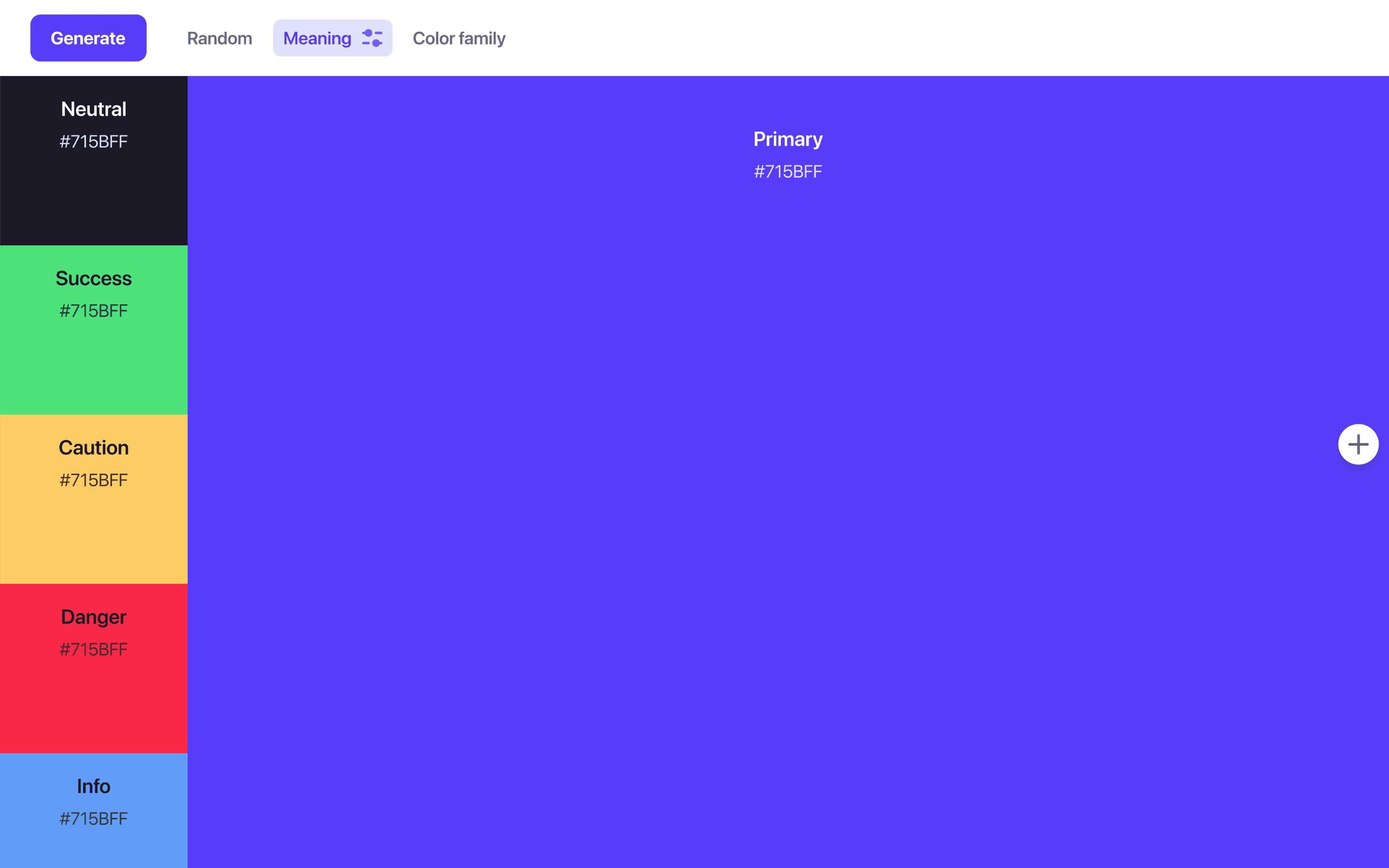
Atmos manages the full palette as one system: generate everything from a primary color, keep every scale consistent, and track changes with version history so experiments are never destructive.
Generate a complete paletteBeyond WCAG 2 contrast
WCAG 2 contrast ratios are the familiar standard, but they are known to misjudge certain color combinations. APCA, the model developed for WCAG 3, matches human perception much more closely.
Atmos supports both, side by side, across your whole palette, and adds a color vision simulator so you can see your interface the way users with color blindness will.
Try the Atmos contrast checkerWhen is UI Colors the better choice?
If you are on Tailwind and just need a decent 50–950 scale from a hex code right now, UI Colors is quick, focused, and pleasant, and its live component previews are a nice way to sanity-check a scale. Its shadcn/ui theme generator is handy for that ecosystem too.
If you keep regenerating scales because they are never quite right, or your palette has grown into a system with neutrals, status colors, and teammates involved, that is when Atmos pays for itself.
What are designers saying?

Alex
@MetalHaze
Well, this is awesome!

Hennie
@andyhennie
I was convinced after this read. Their product is actually pretty neat.

SHOWROCK
@shonibareroqeeb
Since I’m not designing today, I have decided to share this simple powerful tool to make uniform color palette with clear accessible checks? Trust me, this will help you in your design system

Matthias Ott
@matthiasott.com
Just bought a lifetime license for Atmos because it is just sooo good for creating perceptually uniform color palettes – including a shade generator, a contrast checker, OKLCH support, CSS export, a Figma plugin, online sharing, and, and… 😍 👉 atmos.style (No affiliation, just genuine excitement! 😁)

Patrick Johansen
@patrickskov
another amazing tool for creating color scales in LCH.

Alberto Calvo
@intemperie.me
My new favorite is atmos.style, which works exactly as I expect, with access to OKLCH color space, P3 color gamut, and visual controls with curves and all the stuff you'd need to create something nice! 💖

Satori Graphics®
@satorigraphic2k
Love your tool and happy to spread awareness 👍🏻

jeremyelder
@jeremyelder
I like working in @atmos_style. Adding all of the variables and quickly selecting a swatch to key off of for contrast is fast.

Abhijeet
@iabhi1610
@atmos_style Best so far

Dusty Pomerleau
@dpom.bsky.social
hue-shifting on atmos is like a drug :)
UI Colors alternative FAQ
Yes. Atmos exports your palette to Tailwind CSS, as well as plain CSS, Style Dictionary, JavaScript, and SVG.
Yes. Paste the hex values into Atmos and it will rebuild the scale in OKLCH, where you can fine-tune steps with easing curves and check contrast as you go.
Atmos offers a 14-day free trial with access to all features, and you can try limited demos of the tools directly on the atmos.style website. See the Atmos pricing page for plan details.
UI Colors is a focused Tailwind shade generator: hex code in, 50–950 scale out. Atmos is a complete palette workspace: color discovery, OKLCH shade scales with easing curves, semantic colors, WCAG 2 and APCA contrast checking, a vision simulator, version history, shared palettes, and multi-format export.
Yes. The fully featured Atmos Figma plugin brings your palette into Figma, so your design files stay in sync with your colors.