Adobe Color alternative
An Adobe Color alternative made for design systems
Adobe Color is the classic harmony wheel. Atmos takes the same color theory further: full palettes with shade scales, APCA contrast checking, and export straight to your codebase and Figma.
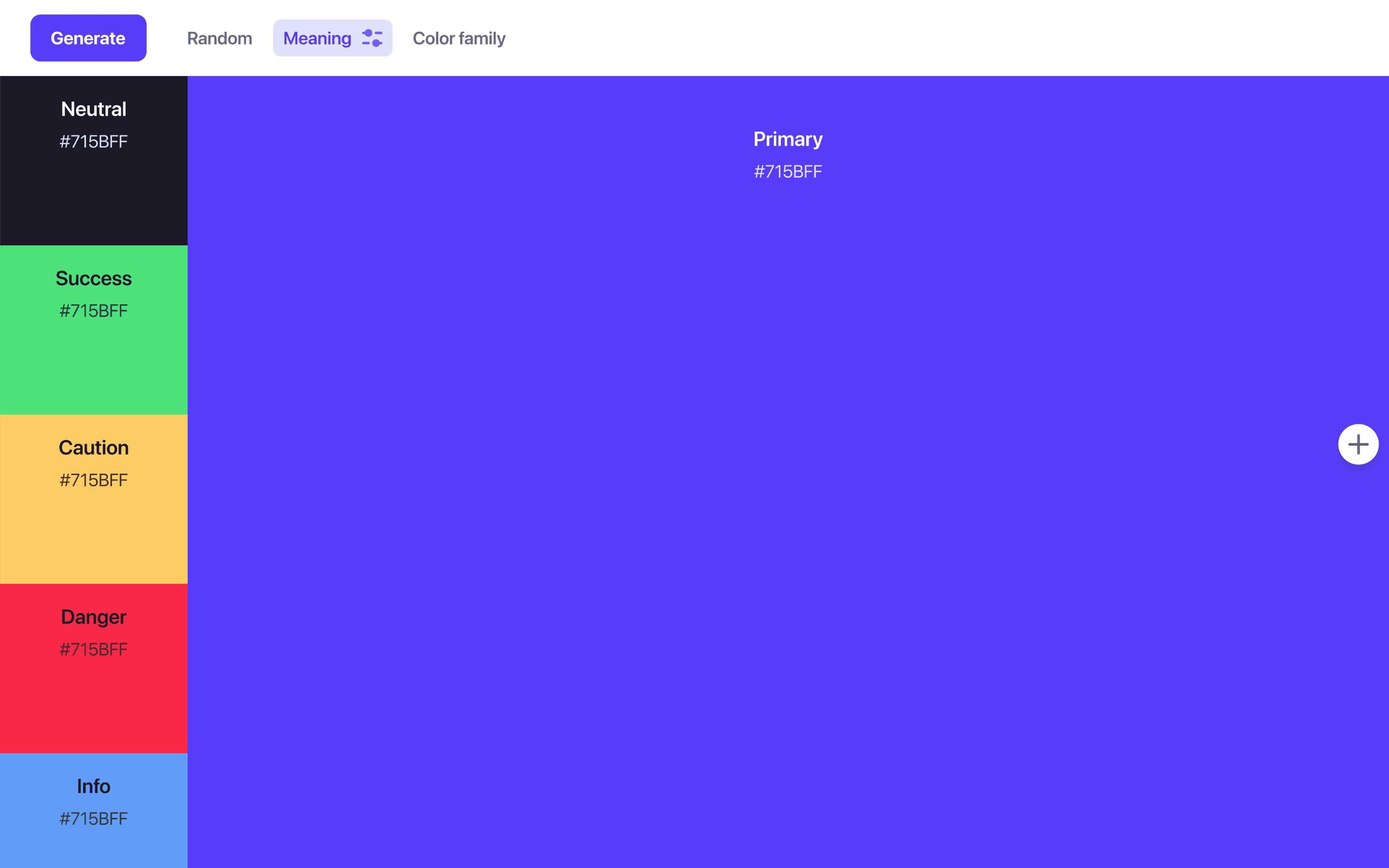
Helping 30,000+ world’s greatest designers create beautiful designs.
Why designers switch from Adobe Color to Atmos
Adobe Color is a solid theme picker, especially inside the Creative Cloud world. But UI work asks for more than a few swatch theme.
Atmos vs Adobe Color at a glance
| Feature | Atmos | Adobe Color |
|---|---|---|
| Built for UI palettes & design systems | ||
| Color wheel with harmony modes | ||
| Shade scale generation | ||
| Perceptually uniform OKLCH color space | ||
| Contrast checking | WCAG 2 & APCA | WCAG 2 |
| Color blindness simulation | ||
| Export to code (CSS, Tailwind, Style Dictionary) | ||
| Figma plugin | ||
| Saving & sharing | Shared palettes & version history | Creative Cloud Libraries |
| Free to try | 14-day trial + web demos | Free |
Other differences
The harmony wheel, evolved
Adobe Color made the harmony wheel famous: analogous, complementary, triadic, and split-complementary rules that give any palette a solid theoretical footing. Atmos has a full color wheel with the same harmony modes, so you lose nothing by switching.
The difference is what happens next. In Adobe Color, the wheel is the destination. In Atmos, it is the first step of a workflow that turns harmonies into complete, production-ready palettes.
Try the Atmos color wheelFrom a few colors to a full palette
A design system needs more than a theme. It needs primary shades for buttons and links, neutral grays for text and borders, and semantic colors for success, warning, and danger states, each as a scale with enough steps for hover states, backgrounds, and dark mode.
Atmos generates that structure from your chosen colors using perceptually uniform OKLCH scales with easing curves, and lets you fine-tune every step while watching contrast update live.
Generate shade scales in AtmosYour palette, outside the Adobe ecosystem
Adobe Color is built to feed Creative Cloud apps, which is perfect if your whole workflow lives in Photoshop and Illustrator. Product teams usually live elsewhere: Figma for design, CSS and Tailwind in the codebase, Style Dictionary for tokens.
Atmos is tool-agnostic by design. Export your palette in the format your team uses, or keep Figma in sync automatically with the Atmos plugin.
When is Adobe Color the better choice?
If you work primarily in Creative Cloud, Adobe Color is hard to beat: themes flow straight into Photoshop, Illustrator, and InDesign through Libraries. Its image-based theme extraction and trend galleries are also great for brand and print exploration, and all of it is free.
If your colors end up in a product interface, with tokens, components, and accessibility requirements, Atmos covers that whole journey. Plenty of designers extract a theme from an image in Adobe Color, then paste the hex values into Atmos to build the actual system.
What are designers saying?

Alex
@MetalHaze
Well, this is awesome!

Hennie
@andyhennie
I was convinced after this read. Their product is actually pretty neat.

SHOWROCK
@shonibareroqeeb
Since I’m not designing today, I have decided to share this simple powerful tool to make uniform color palette with clear accessible checks? Trust me, this will help you in your design system

Matthias Ott
@matthiasott.com
Just bought a lifetime license for Atmos because it is just sooo good for creating perceptually uniform color palettes – including a shade generator, a contrast checker, OKLCH support, CSS export, a Figma plugin, online sharing, and, and… 😍 👉 atmos.style (No affiliation, just genuine excitement! 😁)

Patrick Johansen
@patrickskov
another amazing tool for creating color scales in LCH.

Alberto Calvo
@intemperie.me
My new favorite is atmos.style, which works exactly as I expect, with access to OKLCH color space, P3 color gamut, and visual controls with curves and all the stuff you'd need to create something nice! 💖

Satori Graphics®
@satorigraphic2k
Love your tool and happy to spread awareness 👍🏻

jeremyelder
@jeremyelder
I like working in @atmos_style. Adding all of the variables and quickly selecting a swatch to key off of for contrast is fast.

Abhijeet
@iabhi1610
@atmos_style Best so far

Dusty Pomerleau
@dpom.bsky.social
hue-shifting on atmos is like a drug :)
Adobe Color alternative FAQ
Yes. Copy the hex values from your Adobe Color theme and paste them into Atmos. From there Atmos can generate complete shade scales, neutrals, and semantic status colors around your theme.
Yes. The Atmos color wheel supports all the classic harmony modes, including complementary, analogous, triadic, and split-complementary, and feeds directly into the rest of the palette workflow.
Atmos offers a 14-day free trial with access to all features, and you can try limited demos of the tools directly on the atmos.style website. See the Atmos pricing page for plan details.
Shade scale generation in the perceptually uniform OKLCH color space, semantic status colors, APCA (WCAG 3) contrast checking alongside WCAG 2, version history, shared palettes, a Figma plugin, and export to CSS, Tailwind, Style Dictionary, JavaScript, and SVG.
Yes. The fully featured Atmos Figma plugin brings your palette into Figma, so your design files stay in sync with your colors.