Huetone alternative
A Huetone alternative that automates the hard parts
Huetone gives you precise manual control over LCH palettes. Atmos generates perceptually uniform scales first, then hands you the same level of control, plus a Figma plugin, versioning, and export for your whole team.
Helping 30,000+ world’s greatest designers create beautiful designs.
Why designers switch from Huetone to Atmos
Huetone proved how good LCH-based palette editing can feel. Atmos keeps that color science and removes the manual labor around it.
Atmos vs Huetone at a glance
| Feature | Atmos | Huetone |
|---|---|---|
| LCH / OKLCH color editing | ||
| APCA contrast support | ||
| Automatic shade scale generation | ||
| Easing curves & hue transitions | ||
| Color generator & harmony wheel | ||
| Color vision simulator | ||
| Figma plugin | ||
| Export formats | CSS, Tailwind, Style Dictionary, JS, SVG | Limited |
| Version history & shared palettes | ||
| Free to try | 14-day trial + web demos | Free & open source |
Other differences
The same color science, less manual labor
Huetone and Atmos agree on the fundamentals: perceptual color spaces like LCH and OKLCH are the right way to build UI palettes, and APCA is the modern way to judge contrast. Where they differ is how much work sits between you and a finished palette.
Huetone hands you the raw controls and expects you to sculpt each shade. Atmos generates the whole scale with easing curves that guarantee uniformity, then lets you sculpt where it matters. Ten minutes of setup becomes one click plus targeted tweaks.
Try the Atmos shade generatorA complete palette, not just tuned scales
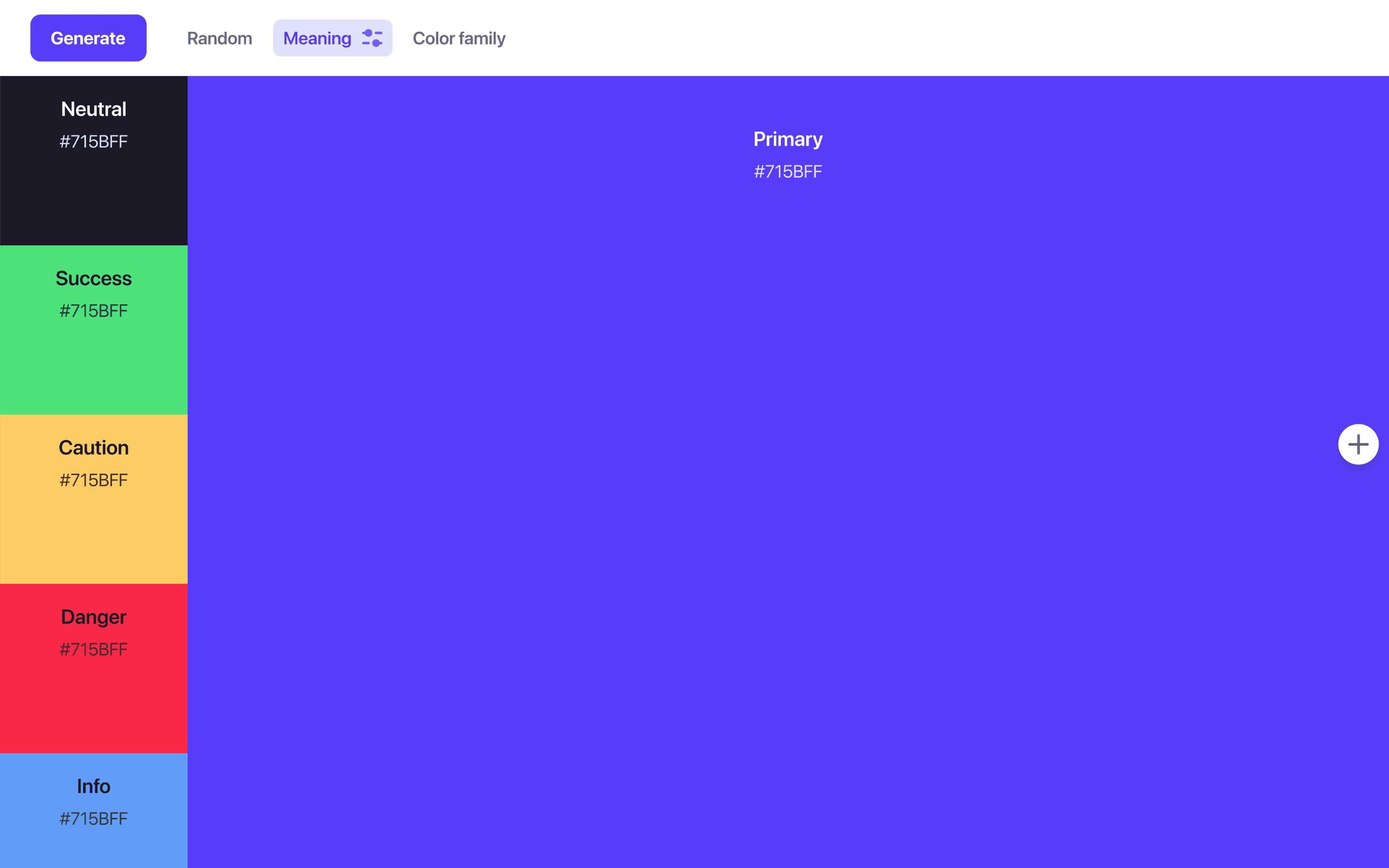
A design system palette includes things Huetone leaves to you: choosing harmonious brand and accent colors, deriving neutral grays that match your brand hue, and defining semantic colors for success, warning, and danger states.
Atmos generates all of these from a single primary color and keeps them consistent as one system, with contrast checked across the board.
Generate a palette in AtmosFrom your screen to your team
Getting a hand-tuned palette out of a browser tab and into production is where solo tools show their limits. Atmos exports to CSS, Tailwind CSS, Style Dictionary, JavaScript, and SVG, syncs to Figma through a plugin, and keeps version history so palette changes are traceable and reversible.
When is Huetone the better choice?
Huetone is free, open source, and wonderfully focused. If you already have a palette and want keyboard-driven, hands-on control over every shade while watching APCA contrast update, Huetone is a joy to use, and a great way to learn how LCH palettes behave.
If you want the uniform scales generated for you, the palette managed as a system, and the result synced to Figma and your codebase, Atmos will save you hours every iteration.
What are designers saying?

Alex
@MetalHaze
Well, this is awesome!

Hennie
@andyhennie
I was convinced after this read. Their product is actually pretty neat.

SHOWROCK
@shonibareroqeeb
Since I’m not designing today, I have decided to share this simple powerful tool to make uniform color palette with clear accessible checks? Trust me, this will help you in your design system

Matthias Ott
@matthiasott.com
Just bought a lifetime license for Atmos because it is just sooo good for creating perceptually uniform color palettes – including a shade generator, a contrast checker, OKLCH support, CSS export, a Figma plugin, online sharing, and, and… 😍 👉 atmos.style (No affiliation, just genuine excitement! 😁)

Patrick Johansen
@patrickskov
another amazing tool for creating color scales in LCH.

Alberto Calvo
@intemperie.me
My new favorite is atmos.style, which works exactly as I expect, with access to OKLCH color space, P3 color gamut, and visual controls with curves and all the stuff you'd need to create something nice! 💖

Satori Graphics®
@satorigraphic2k
Love your tool and happy to spread awareness 👍🏻

jeremyelder
@jeremyelder
I like working in @atmos_style. Adding all of the variables and quickly selecting a swatch to key off of for contrast is fast.

Abhijeet
@iabhi1610
@atmos_style Best so far

Dusty Pomerleau
@dpom.bsky.social
hue-shifting on atmos is like a drug :)
Huetone alternative FAQ
Yes. Copy the hex values from Huetone and paste them into Atmos. Atmos rebuilds them as OKLCH shade scales that you can regenerate with easing curves or continue fine-tuning by hand.
Yes. Atmos checks contrast with both APCA (the model behind WCAG 3) and WCAG 2, across your entire palette, and adds a color vision simulator on top.
Atmos offers a 14-day free trial with access to all features, and you can try limited demos of the tools directly on the atmos.style website. See the Atmos pricing page for plan details.
Huetone is a manual LCH palette editor with APCA contrast display. Atmos generates perceptually uniform OKLCH scales automatically with easing curves, adds color discovery tools, semantic colors, a vision simulator, version history, shared palettes, a Figma plugin, and multi-format export, while still allowing precise manual fine-tuning.
Yes. Generation is a starting point, not a cage. You can adjust any step of any scale in OKLCH and watch contrast values update live.