Project
Overview
Learn about Atmos projects and how to manage them.
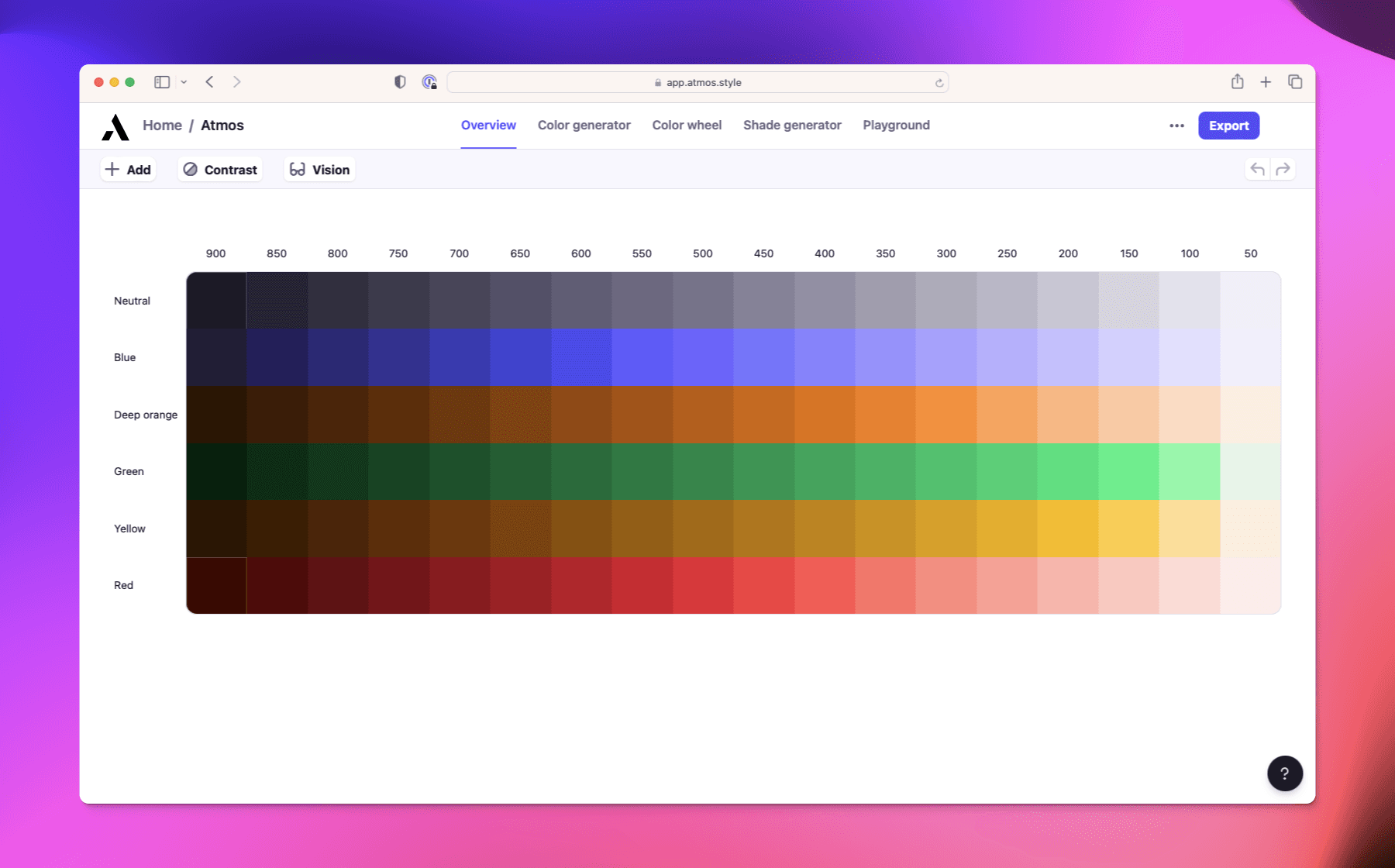
A project in Atmos is your color palette. Each project is made up of color families and their shades. All your projects can be found in Home, where you can create new ones.
Free users can have 1 project. To get unlimited projects, upgrade to the Pro plan.
Tips for organizing projects
- Keep one palette per project for clarity.
- If you are creating a light and dark theme, separate them into individual projects.
- Use descriptive names so you can quickly find the right project from Home.
Project settings
You can access project settings by clicking the 3 dots next to the Export button inside any project. From there you can:
- Enable sharing
- View version history
Alernatively you can change the following settings using the toolbar at the top of the project:
- Change the color space (LCH or OKLCH)
- Change the color gamut (sRGB, Display P3, or Unlimited)