Home
Your Home is where you find all your projects. Here you can create new projects, rename them, delete old ones, or duplicate projects to experiment.
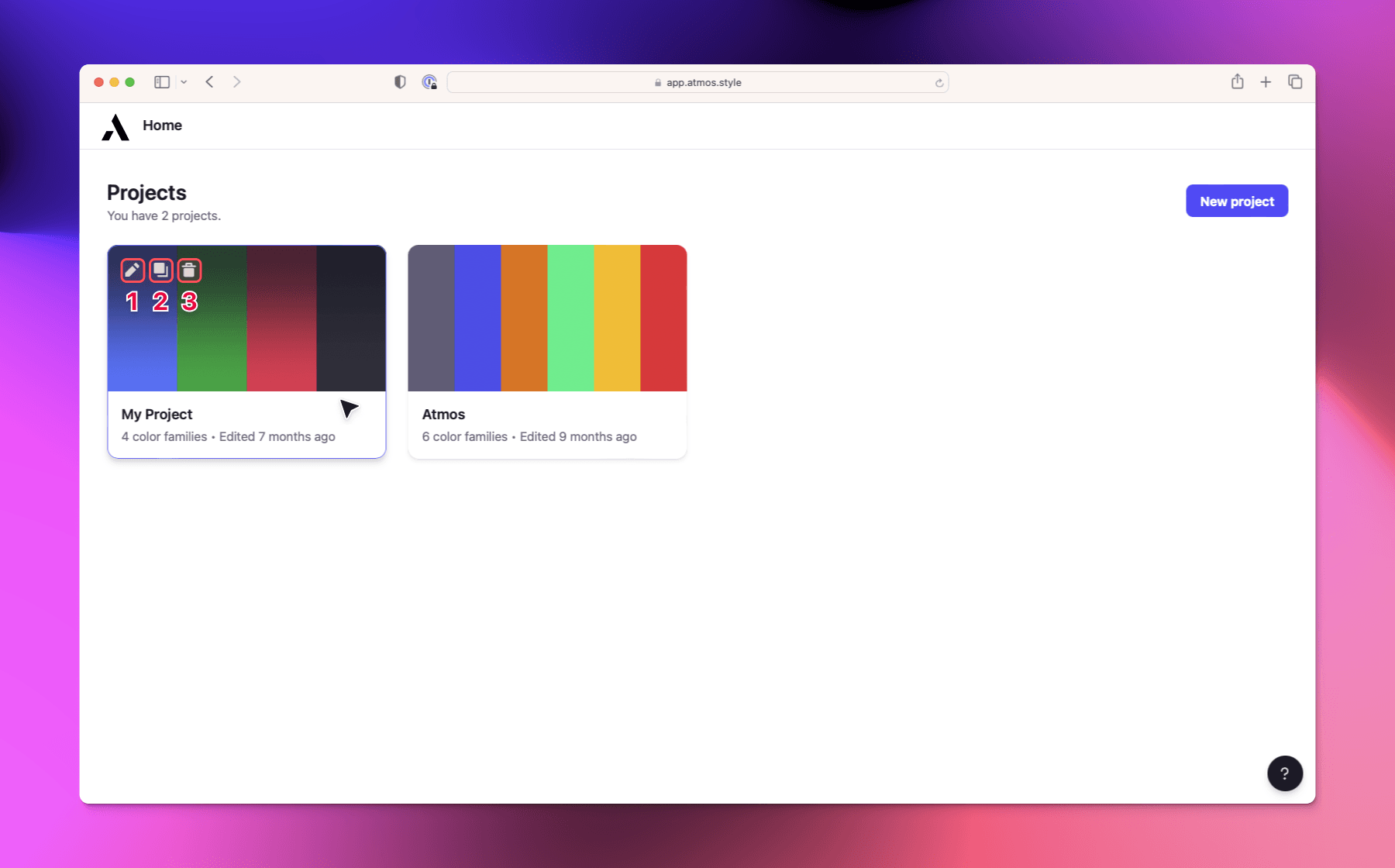
Home is your main place in Atmos. It displays all your projects and gives you quick access to manage them.
Managing projects
You can perform the following actions on any project from the Home screen:
- Rename project — Click on the project name or use the menu to give it a new name.
- Duplicate project — Create a copy of an existing project to experiment without affecting the original.
- Delete project — Remove a project you no longer need.
Creating a new project
To create a new project, click the "New project" button on the Home screen. Each new project starts empty and ready for you to add colors using the color generator, color wheel, or color import.
Free users can have 1 project. To create unlimited projects, upgrade to the Pro plan.