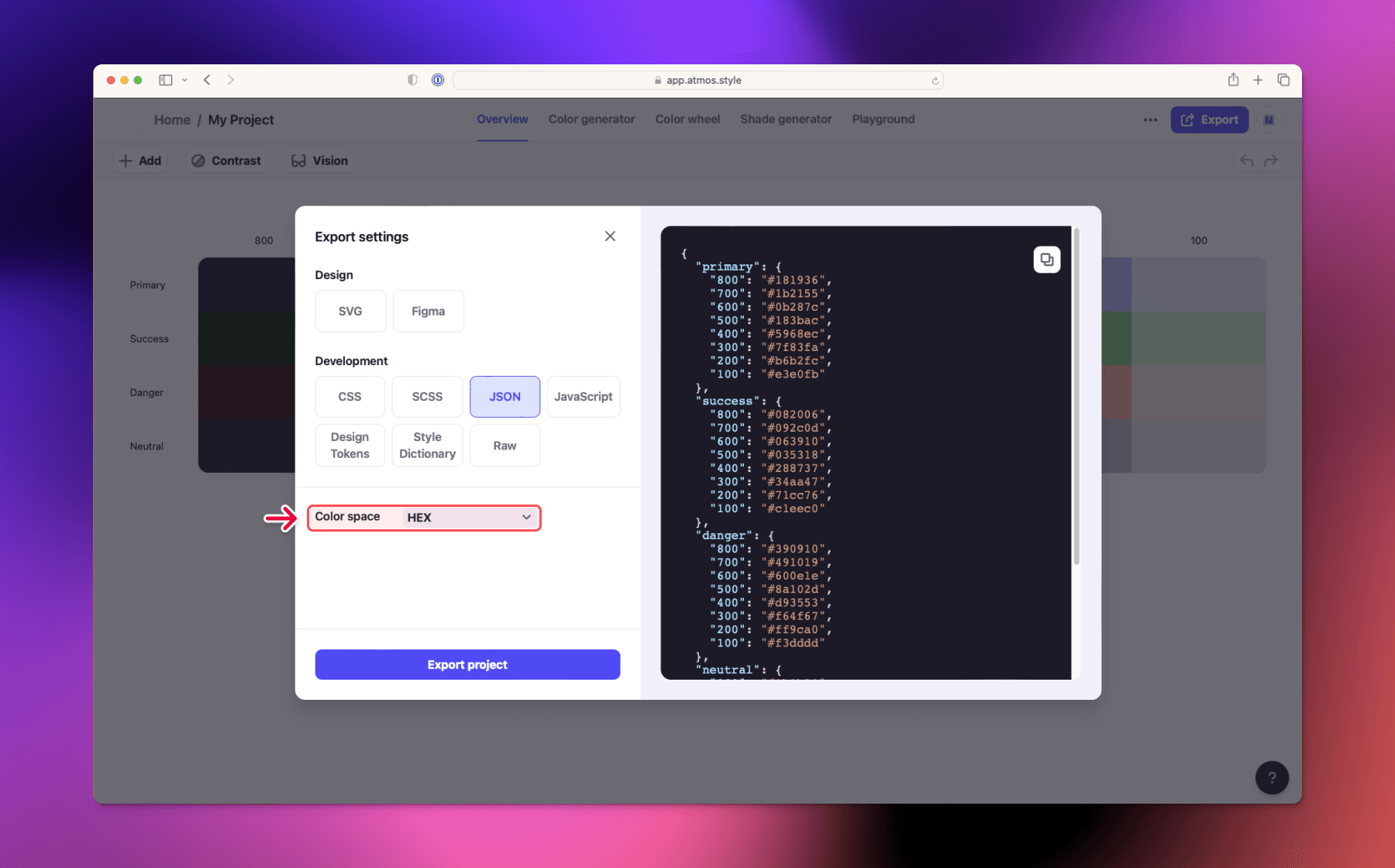
Export project
Learn how to export your color palette from Atmos to use in other design tools or code.
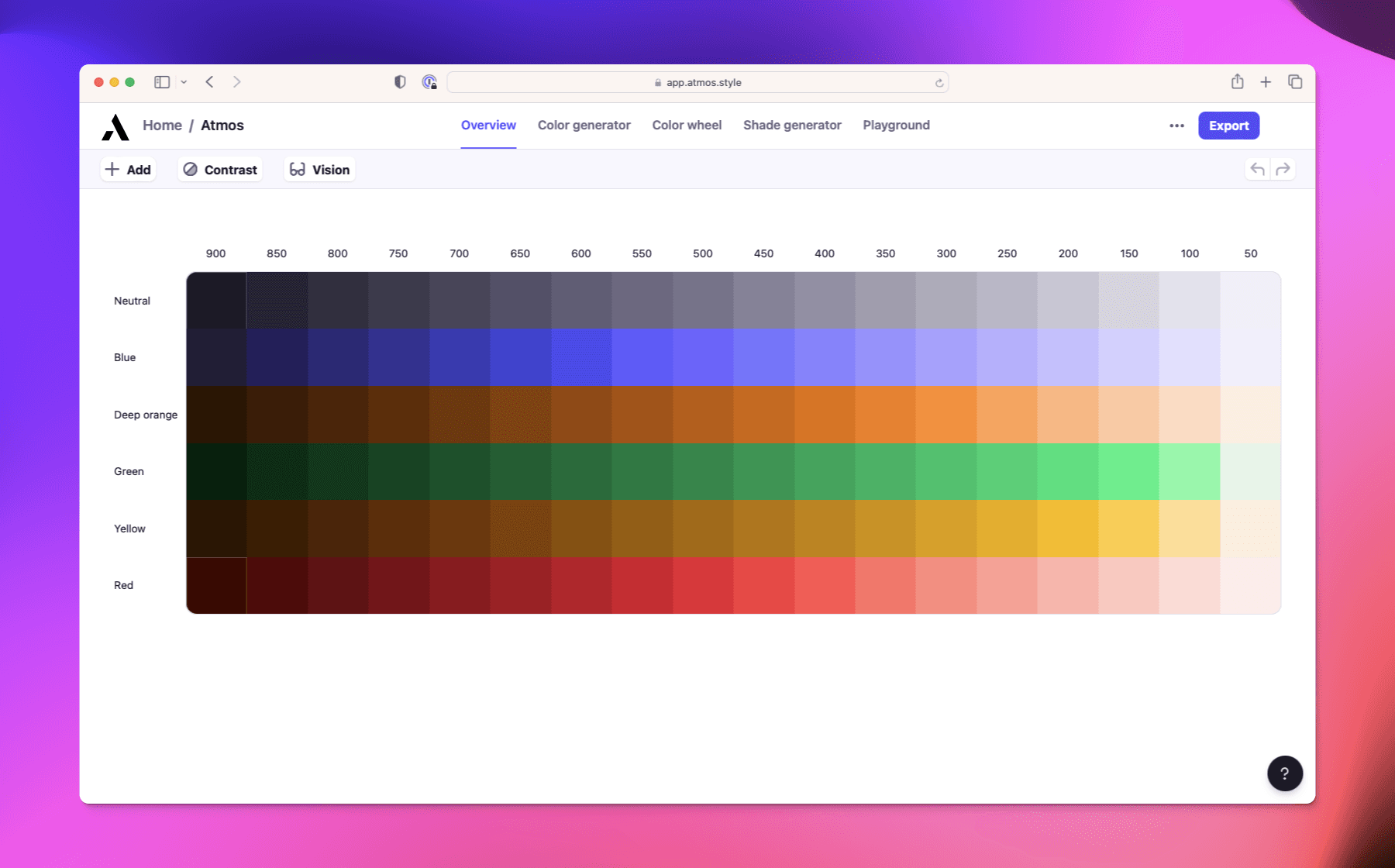
Export your palette from Atmos when you're ready to use them in other design tools or directly in code. Export settings let you customize how Atmos exports your colors.
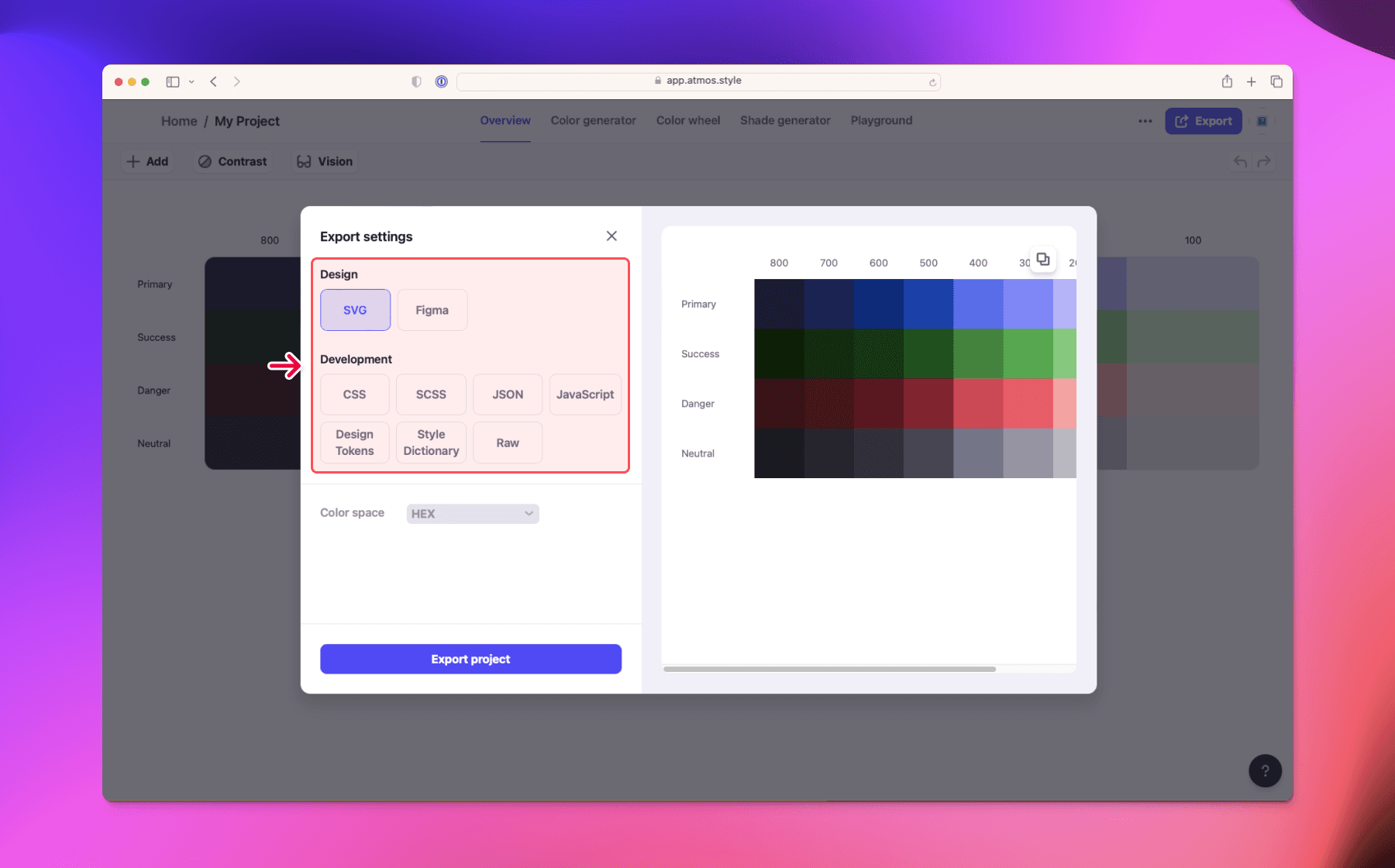
Export to SVG
By default Atmos exports your color palette as SVG with color family and shade names applied to the colors for ease of use in other design tools.
Export to Figma
Use Atmos sync plugin to import your palette to Figma. Learn more about Atmos Figma integration

Export to Code
Atmos supports exporting your color palette to code in the following formats:
- CSS
- JavaScript
- JSON
- Tailwind CSS
- Style Dictionary
- Design Tokens
- Raw - raw string separated by commas, spaces, semicolons, or new lines
When exporting to code you can choose from the following color formats:
- HEX
- HSL
- RGB
- CMYK
- LCH
- OKLCH