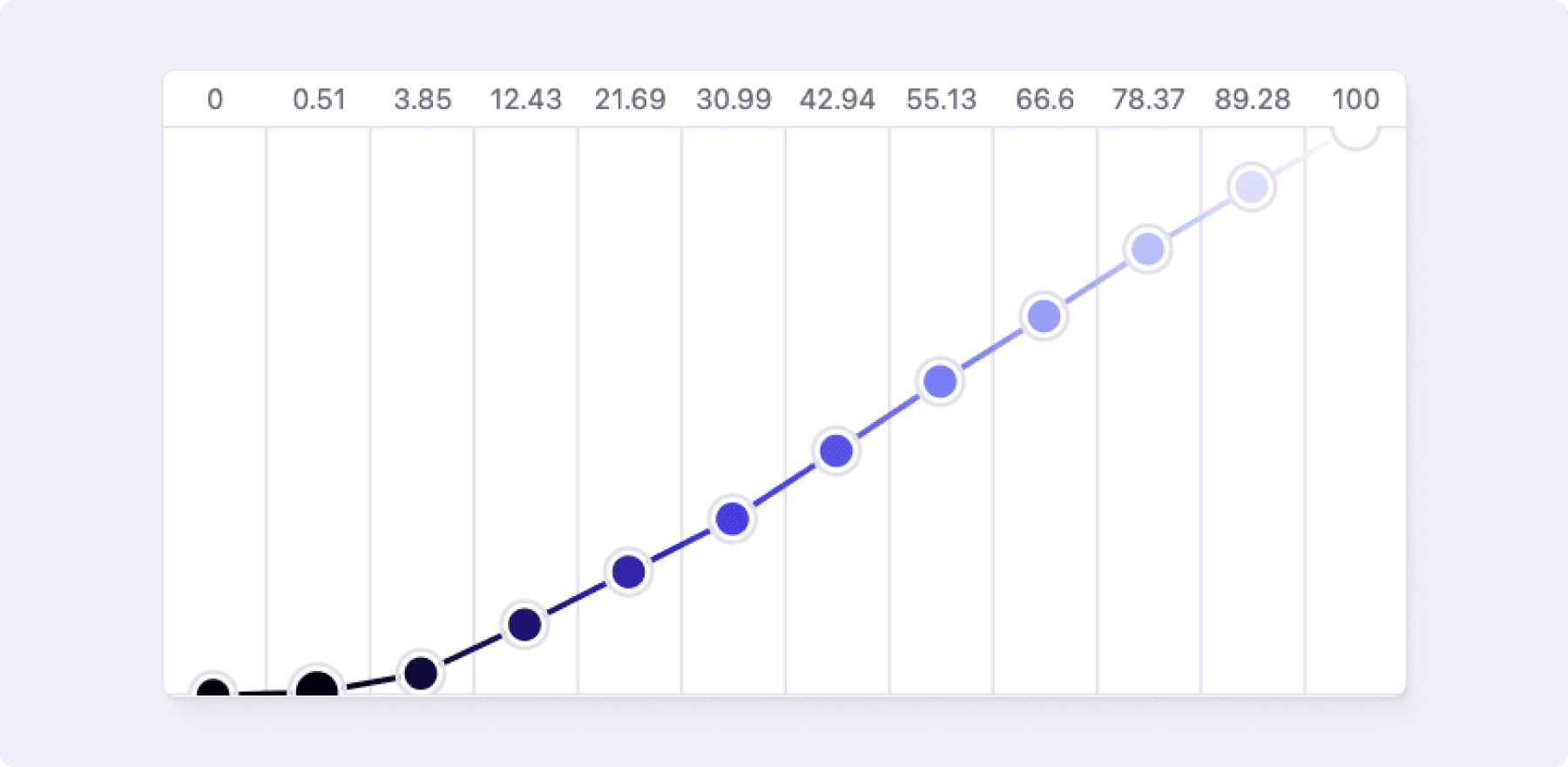
Project color gamut
Learn about color gamut settings in Atmos and when to use sRGB, Display P3 or Unlimited gamut.
Atmos supports three color gamut settings: sRGB, Display P3 and Unlimited gamut. The sRGB color gamut is the default setting and recommended for most people.
What is color gamut?
Color gamut is the entire range of colors and tones achievable by an imaging system. Most common color gamut is sRGB. All the most common forms of color like hex colors (#715bff), rgb colors (rgb(113, 91, 255)), hsl colors (hsl(248, 100%, 67.8%)) are based on sRGB color gamut.
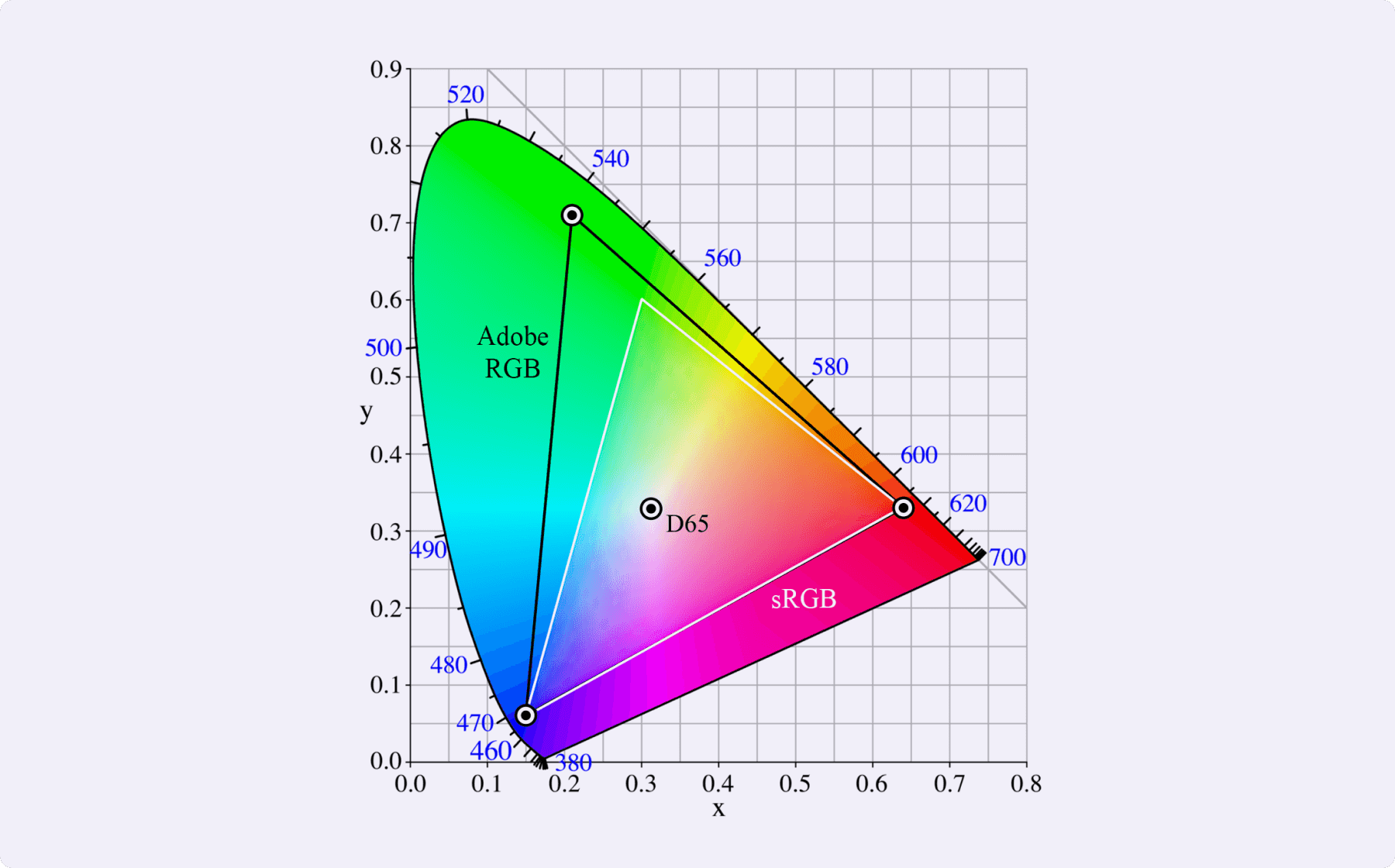
What sRGB color gamut setting does?
When your project uses sRGB color gamut, Atmos won't let you push your (OK)LCH colors outside of sRGB color gamut. Since OK(LCH) color space has potentially unlimited color gamut you wouldn't be able to represent your colors in HEXadecimal format.
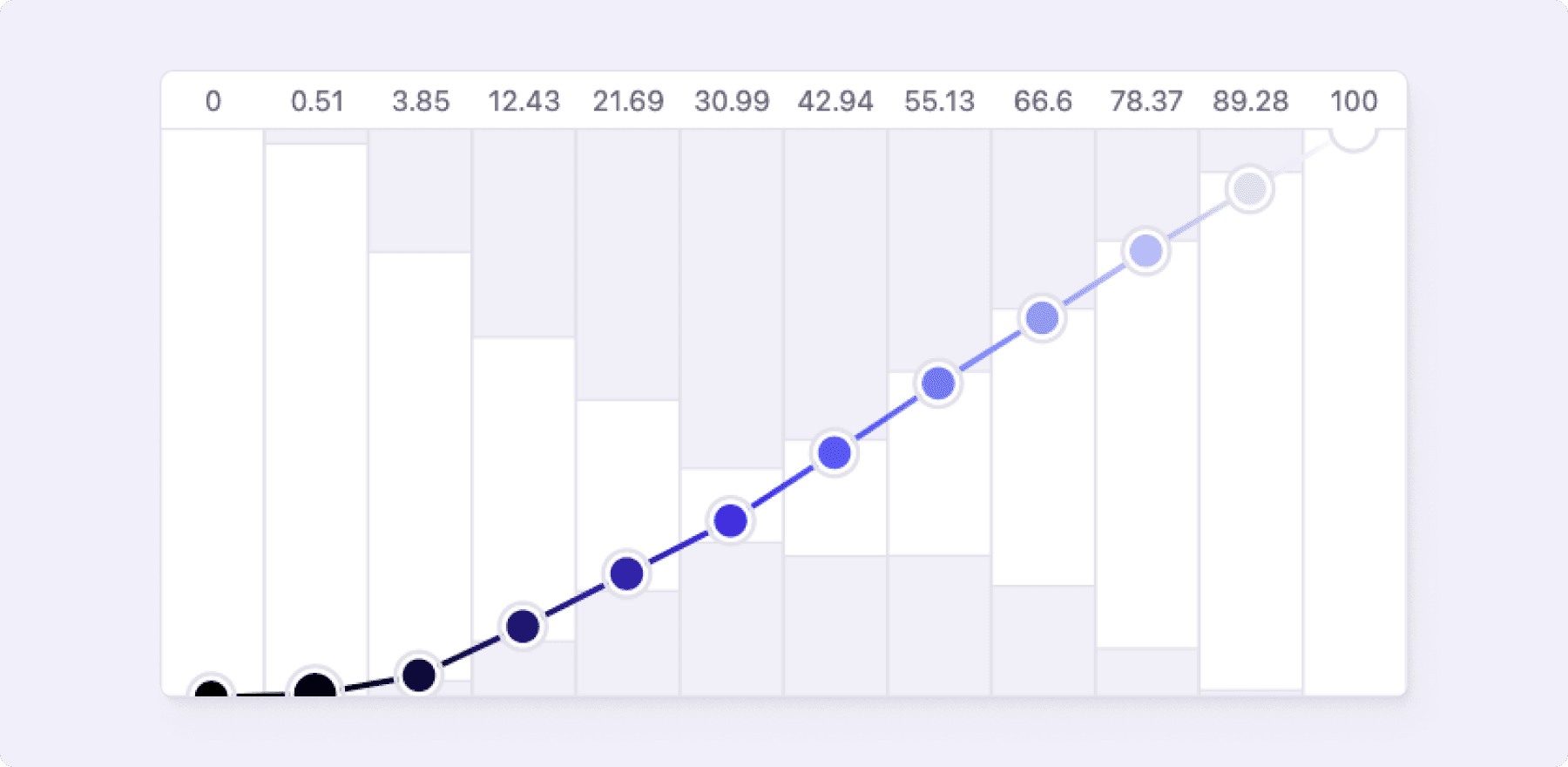
In the app you can see the limits of sRGB color gamut by gray areas in the Lightness, Chroma and Hue Charts. As you increase chroma of your colors the colors get more saturated and the sRGB color gamut runs out of colors.
When to use Display P3?
When your target environment supports Display P3 color gamut (like most recent browsers), you might consider using Display P3 color gamut. This way you can access more saturated colors but keep in mind your device might not be able to display them. Even if you think you are looking at more saturated colors, your device might be clipping the colors due to the limits of your display.
When to use unlimited color gamut?
If you need more than Display P3, you can use the unlimited color gamut. This way you can access even more saturated colors. But there is a high chance that your device won't be able to display them. Even if you think you are looking at more saturated colors, your device might be clipping the colors due to the limits of your display.